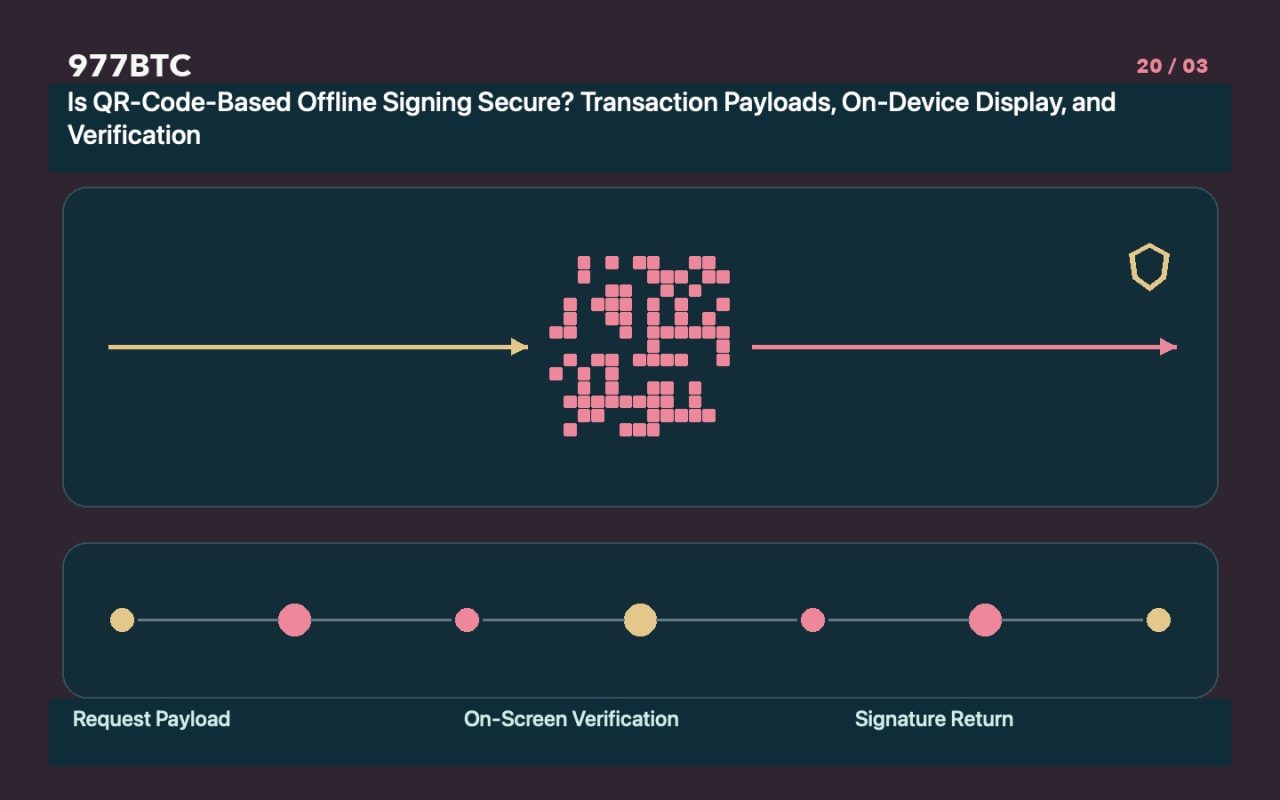
The absence of a data cable does not mean there is no data input.
Devices used for offline signing—which receive transaction requests via methods like QR codes—must still parse external data. While air-gapping eliminates certain communication channels, it does not automatically remove risks related to firmware, data parsing, the supply chain, or user verification. When evaluating a device, examine its supported protocols, official updates, and security documentation; do not assume that all signing requests are trustworthy simply because the device is "completely offline."
QR codes can contain various types of content.
QR codes may carry addresses, URLs, unsigned transactions, or segmented/encoded data. Always confirm whether the scanning action is intended for displaying a receive address or for signing a transaction—do not conflate the two. Segmented QR codes must be reconstructed correctly; if a scan is interrupted, follow the official procedure to restart the process. Never download unfamiliar auxiliary software to complete a scan, and never convert your recovery phrase into a QR code to store in a photo gallery on a network-connected device.
Review the actual details on the device before signing.
A dedicated device screen should display verifiable information, such as the amount, recipient address, fees, and relevant network details. For transactions with multiple outputs, ensure you distinguish between "change" (returned to your own address) and external payments. Text displayed on a computer is merely a proposal; always verify the information as parsed independently by the device itself before finalizing any signature. If you are forced to sign "blindly" or cannot explain a specific authorization request, stop immediately—do not rely on "verified secure" labels displayed on a webpage.
Use non-funded (test) samples to learn the workflow.
Complete the entire process—creation, scanning, verification, signing, and transmission—within a supported practice environment. Observe how the software displays costs and error messages. While testing helps identify gaps in your understanding, it does not guarantee that all future requests will be secure. When handling actual assets, always re-verify the account, network, and output details. Never use example addresses found in instructional screenshots as actual destination addresses.
Verify the transmission and broadcast steps as well.
Once the signed data returns to an internet-connected device, confirm that the final transaction matches your original request before broadcasting it. Keep a record of the transaction ID and its broadcast status to prevent accidental duplicate submissions caused by interface glitches. Signed files may reveal links between your transactions and accounts; do not upload them to public websites when seeking assistance. If you are unfamiliar with a specific device or asset, consult the official protocol documentation first.
Security conclusions must always be context-specific.
Document the device model, firmware version, application version, supported protocols, and the specific fields you verified. Any claims suggesting that a device is "impossible to compromise" or "permanently secure" go beyond what a simple offline connection can actually guarantee. This text outlines a verification process; it does not serve as an endorsement of any specific device, nor does it replace proper backup management. You must have separate contingency plans in place for scenarios such as device loss or the exposure of your backup data.