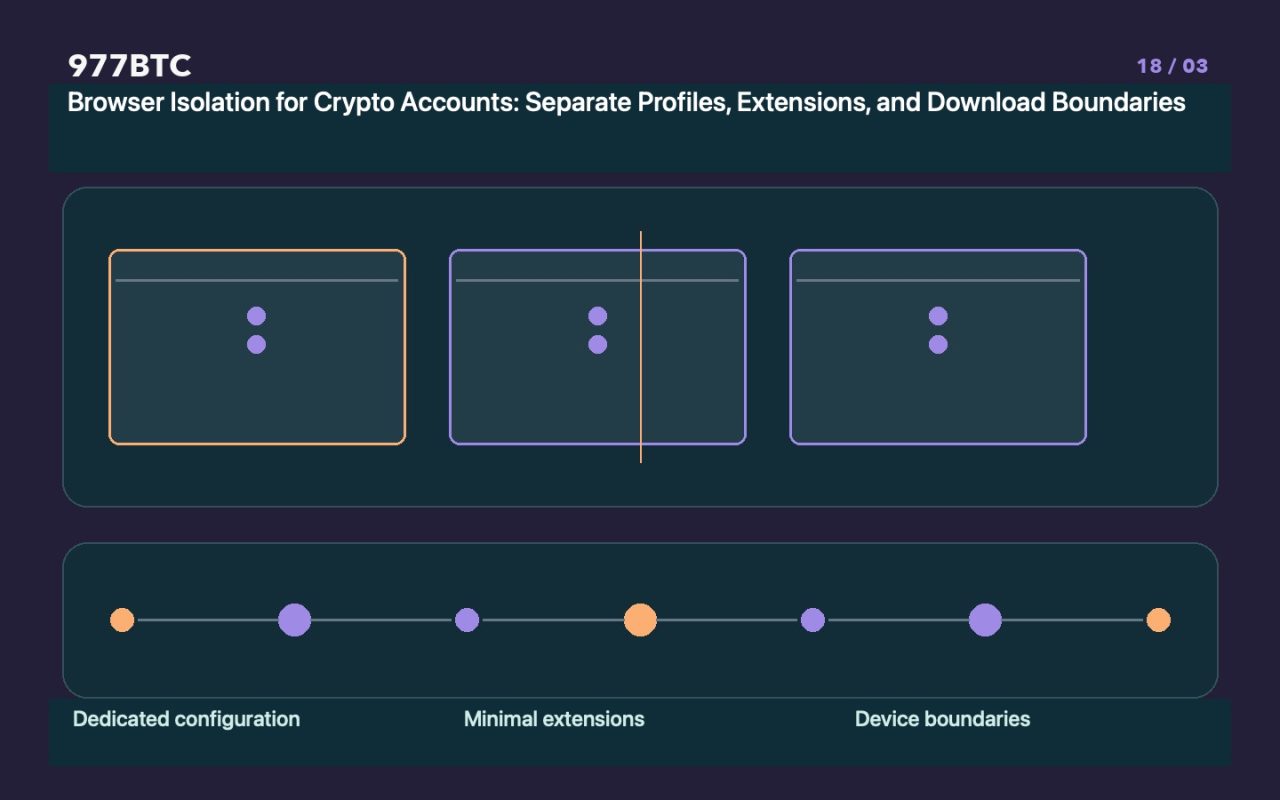
Isolation configurations address the issue of "mixing" activities.
When work, leisure, and crypto-related activities all take place within the same browser environment, browser extensions, login sessions, and download histories can easily become intermingled. While separate browser profiles can help distinguish bookmarks, extensions, and site data, they do not constitute an independent operating system. Malware or entities with device-level administrative privileges can potentially cross these profile boundaries; therefore, isolation serves only as a layer to reduce the risk of accidental errors—it is not an absolute security boundary.
Establishing an Environment with a Defined Purpose
For managing your accounts, use a browser that receives regular updates. Install only those extensions that are strictly necessary and come from verifiable sources, and keep bookmarks for official access points. Maintain a record of each extension’s publisher, requested permissions, and intended purpose. Do not assume that an extension remains trustworthy simply because it is listed on an official store; if an update requests expanded permissions, re-evaluate its safety. Avoid installing multiple crypto wallets of unknown origin—even if just to compare interfaces or claim rewards from promotional events.
Handling Downloads and Opening Files
Interactions with unfamiliar customer support agents, recruitment tasks, or airdrop campaigns may involve requests to download software, extract compressed files, or execute scripts. Browser-level isolation cannot prevent malware—once it is running—from accessing your system data. Pause before handling any non-essential files, and never disable system security protections just to follow an "installation tutorial." When viewing public documents, always verify their source and actual file format; do not rely solely on the file icon.
Synchronization features offer convenience but also carry risks.
Browser synchronization may propagate passwords, bookmarks, and certain settings to other devices. Ensure that your synced account is protected by robust login security, and verify which devices still retain access. Deleting a local configuration does not necessarily remove data from the cloud; conversely, losing cloud access does not mean that sensitive local data has been destroyed. Never store wallet recovery materials (such as seed phrases) as ordinary bookmarks or web notes for the sake of convenience.
Details to check during routine operations
Access websites via bookmarks rather than typing URLs, and always verify the full domain name. Before signing any transaction, carefully check the account, network, and permissions requested by your wallet. Even after copying and pasting an address, verify it against what is displayed on your device—do not assume that a "dedicated" environment exempts you from these checks. If your browser suddenly prompts you to re-import a wallet, if extensions disappear, or if a webpage behaves unexpectedly, cease all sensitive operations immediately and check the official status of the service; do not blindly follow instructions in pop-ups to "recover" your account.
How to document and maintain your setup
Keep a record of your browser version, authorized extensions, sources of your official bookmarks, update history, and any anomalies. Periodically remove unnecessary site permissions and extensions—but ensure that you are not deleting essential recovery information in the process. While this guide outlines methods to mitigate risks associated with mixed-use environments, it does not guarantee that a separate configuration can withstand a device-level compromise. Device updates, account security, and offline backups remain distinct and necessary layers of protection.